Your Landsraad companion
All-in-one Landsraad mission and reward companion. Less UI, less loading screens, more play.
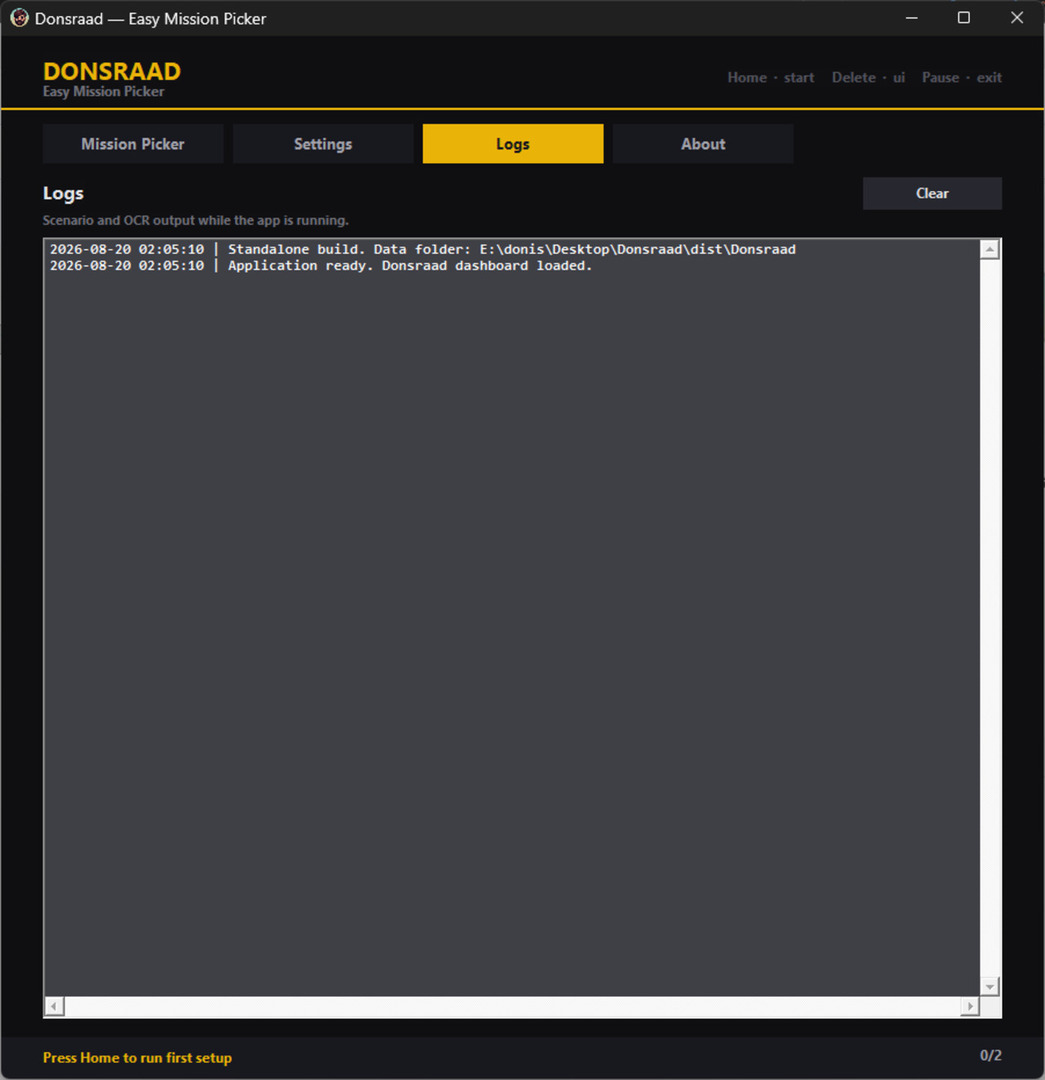
AutoRun
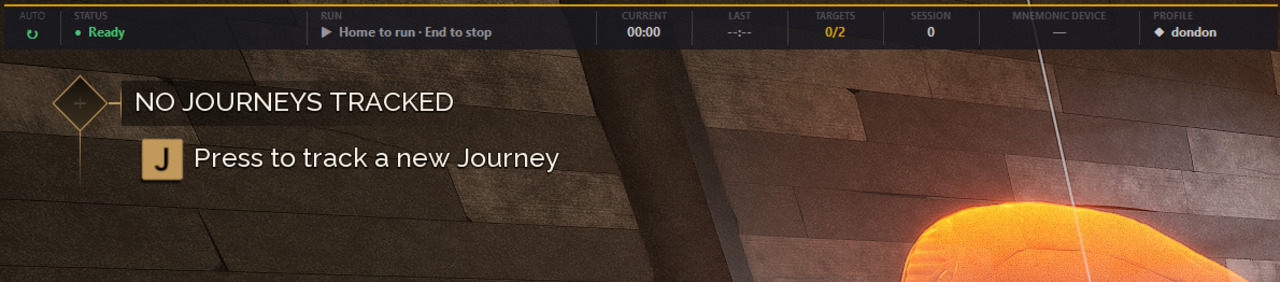
Green indicator on the overlay when enabled. Detects finished missions, claims, and queues your next pick cycle with a sound when ready.
House grid
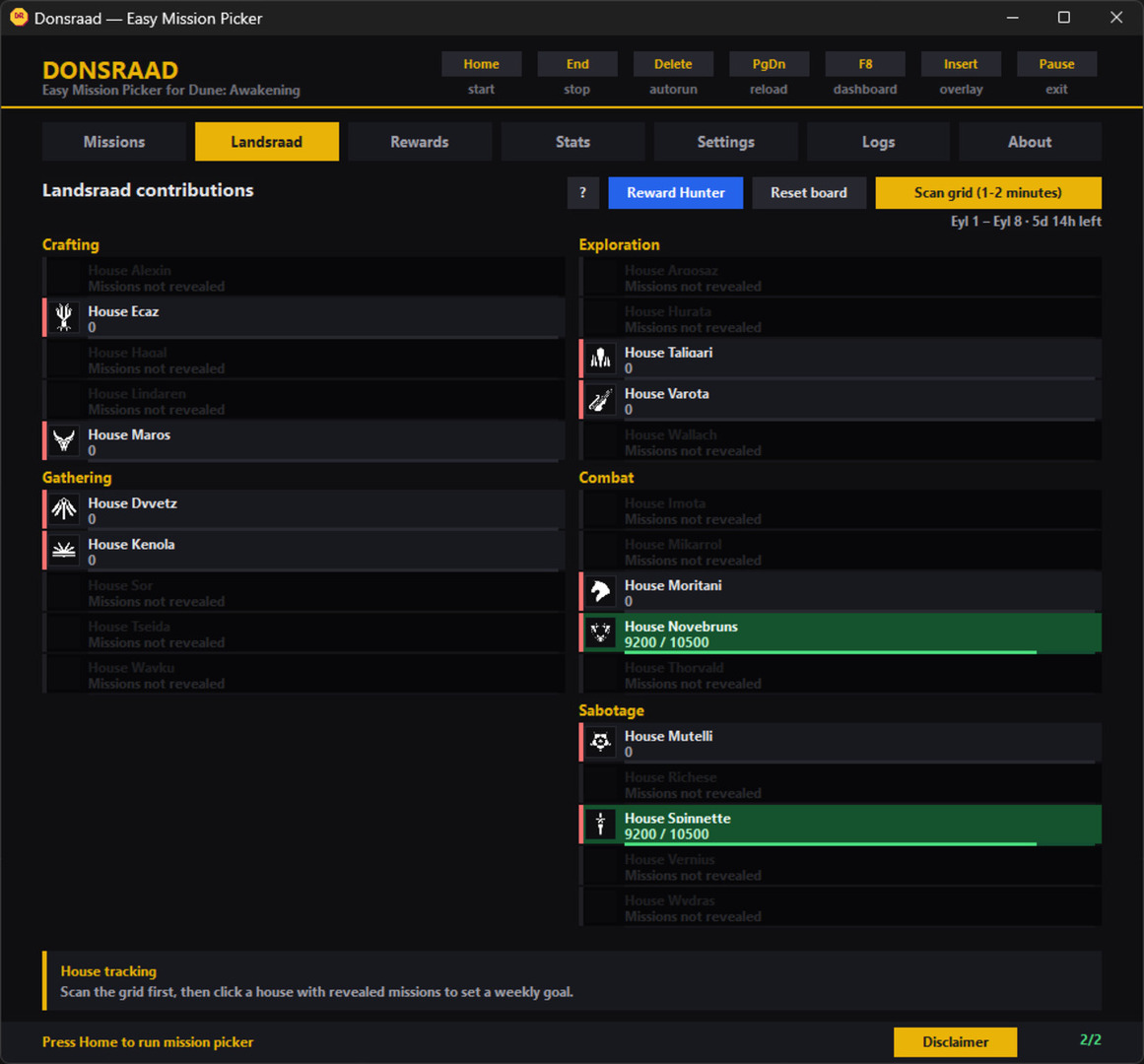
Run a house scan and Donsraad reads every Landsraad house, reward tier, and your contribution. Scan again whenever new house missions unlock during the week — it keeps your board and progress in sync. Tracked houses show a green circle; hunted rewards show a diamond.
Everything in one companion
From weekly Landsraad scans to AutoRun loops — built for Dune: Awakening.
Landsraad board
Scan, track, and aim your weekly contribution.
House scan
Sync houses, rewards, and contribution whenever the weekly grid changes.
Manual fallback
Pick by grid position without a scan — mission pickup only.
Goals & progress
Set per-house targets; mission claims update progress without re-scanning.
Missions & rewards
Choose targets and know what you are farming.
Mission picker
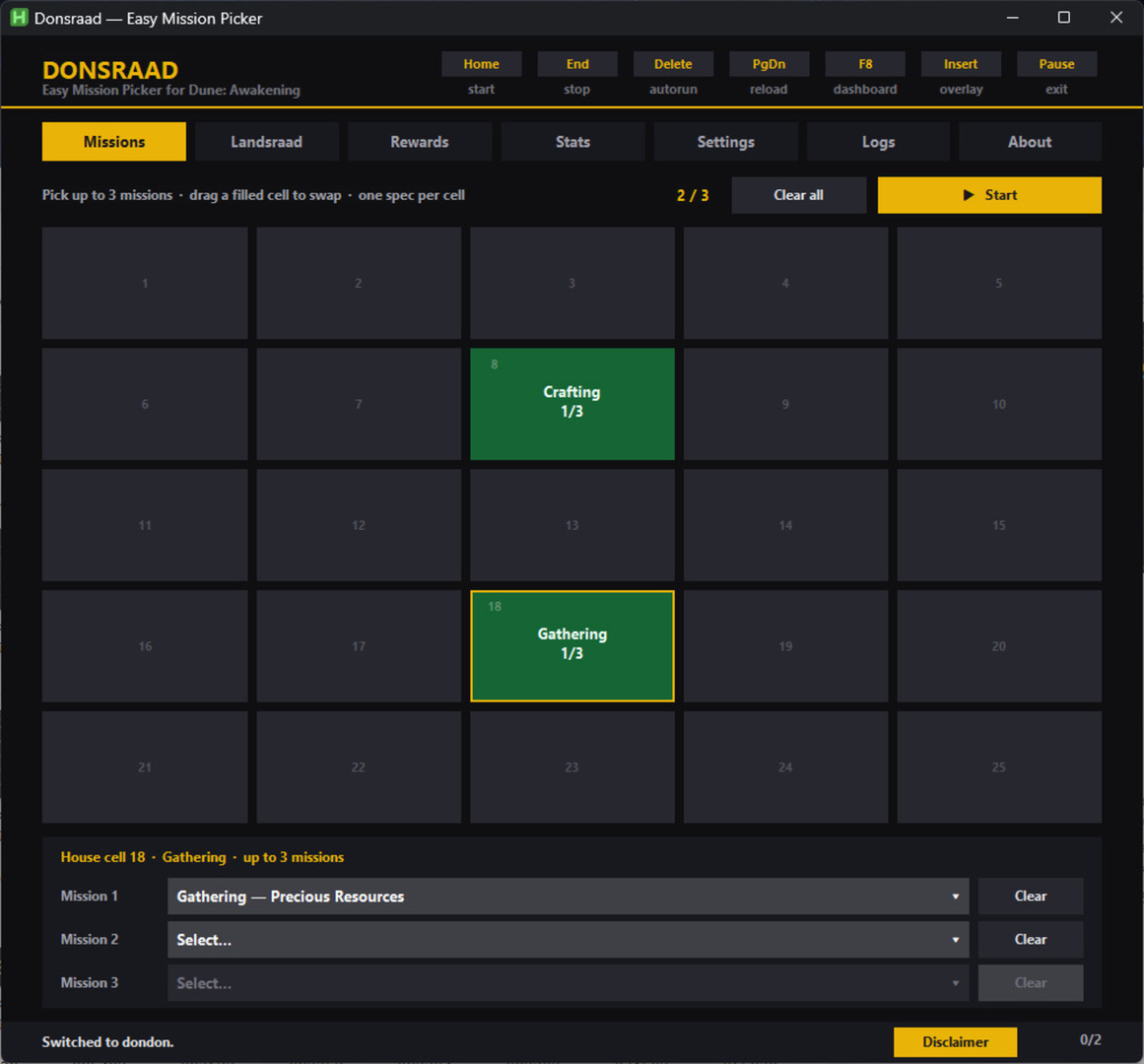
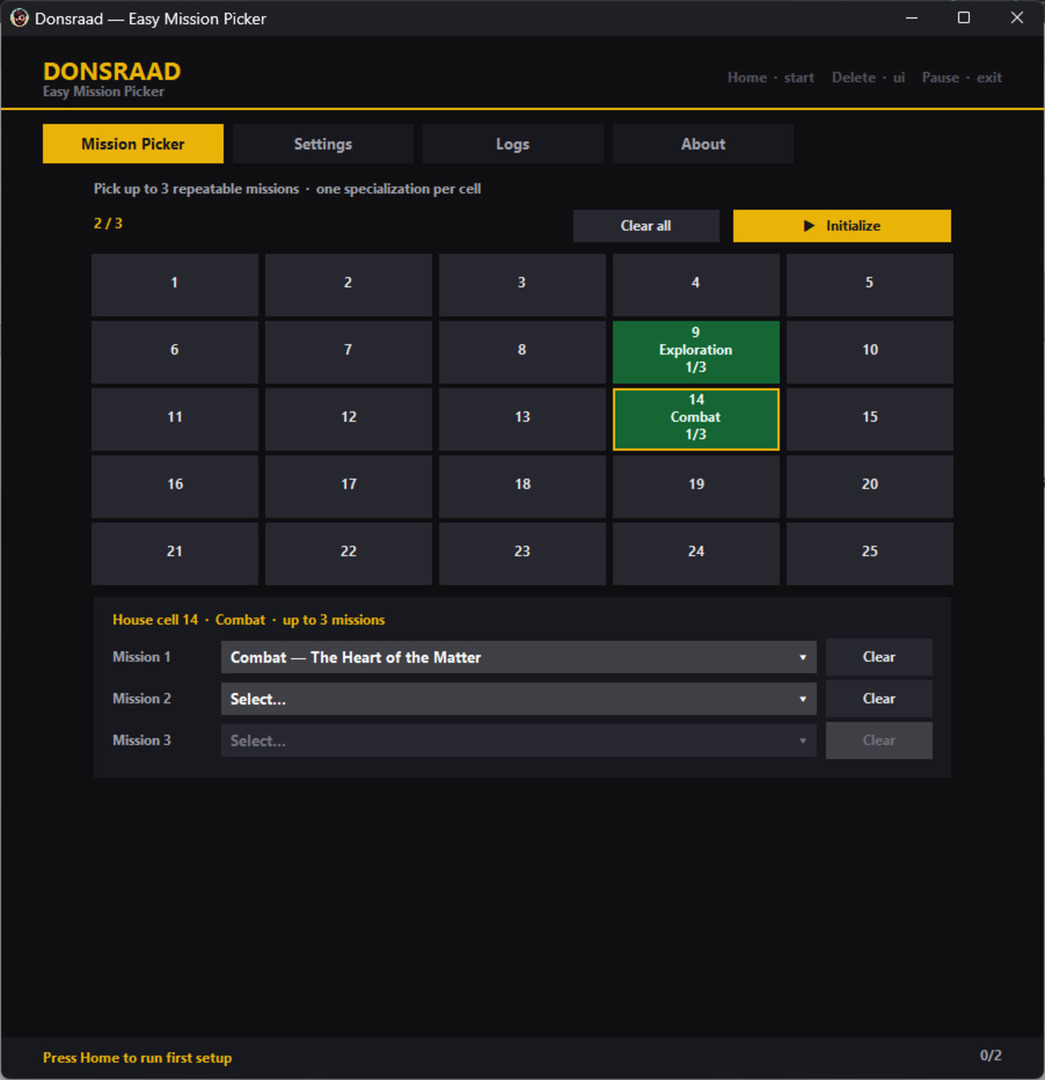
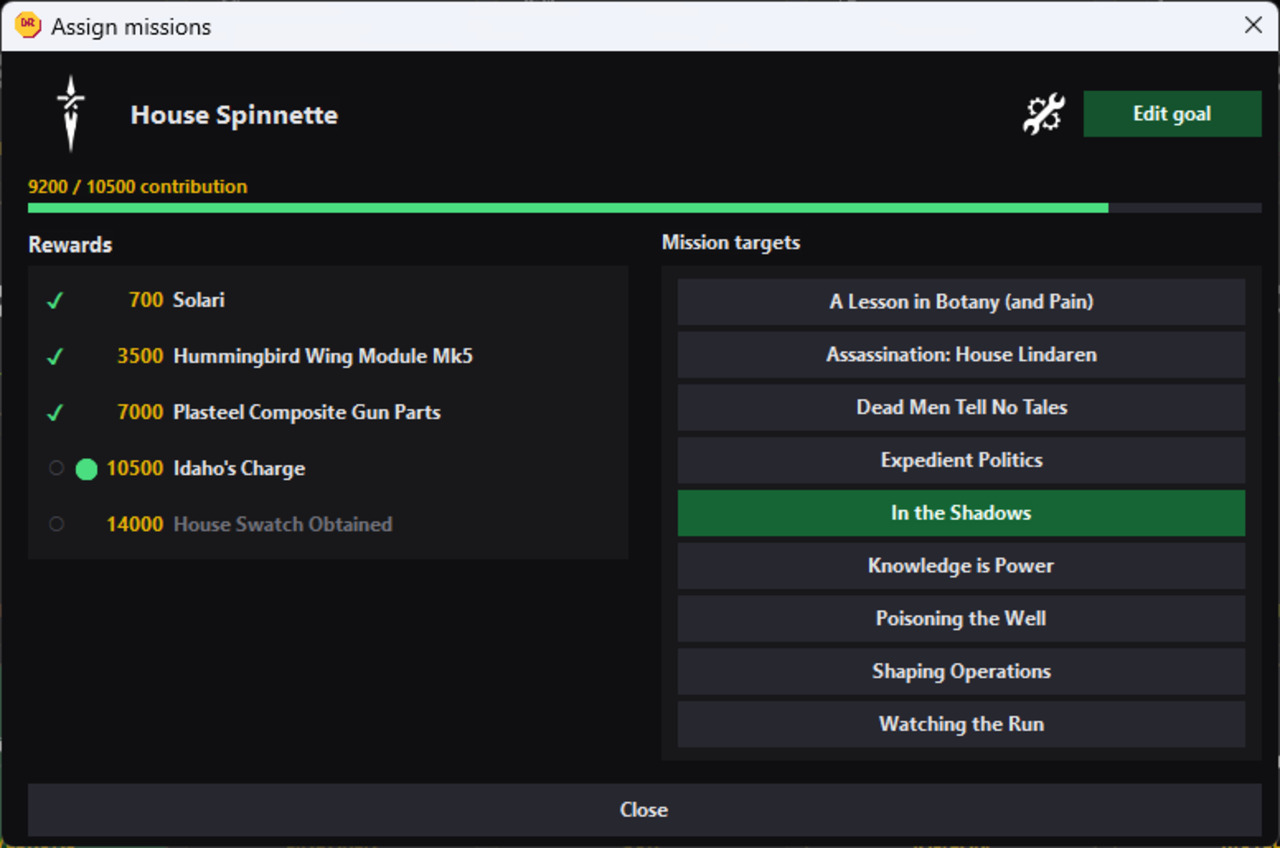
Per-house rewards, progress, and specialization missions in one panel.
Reward Hunter
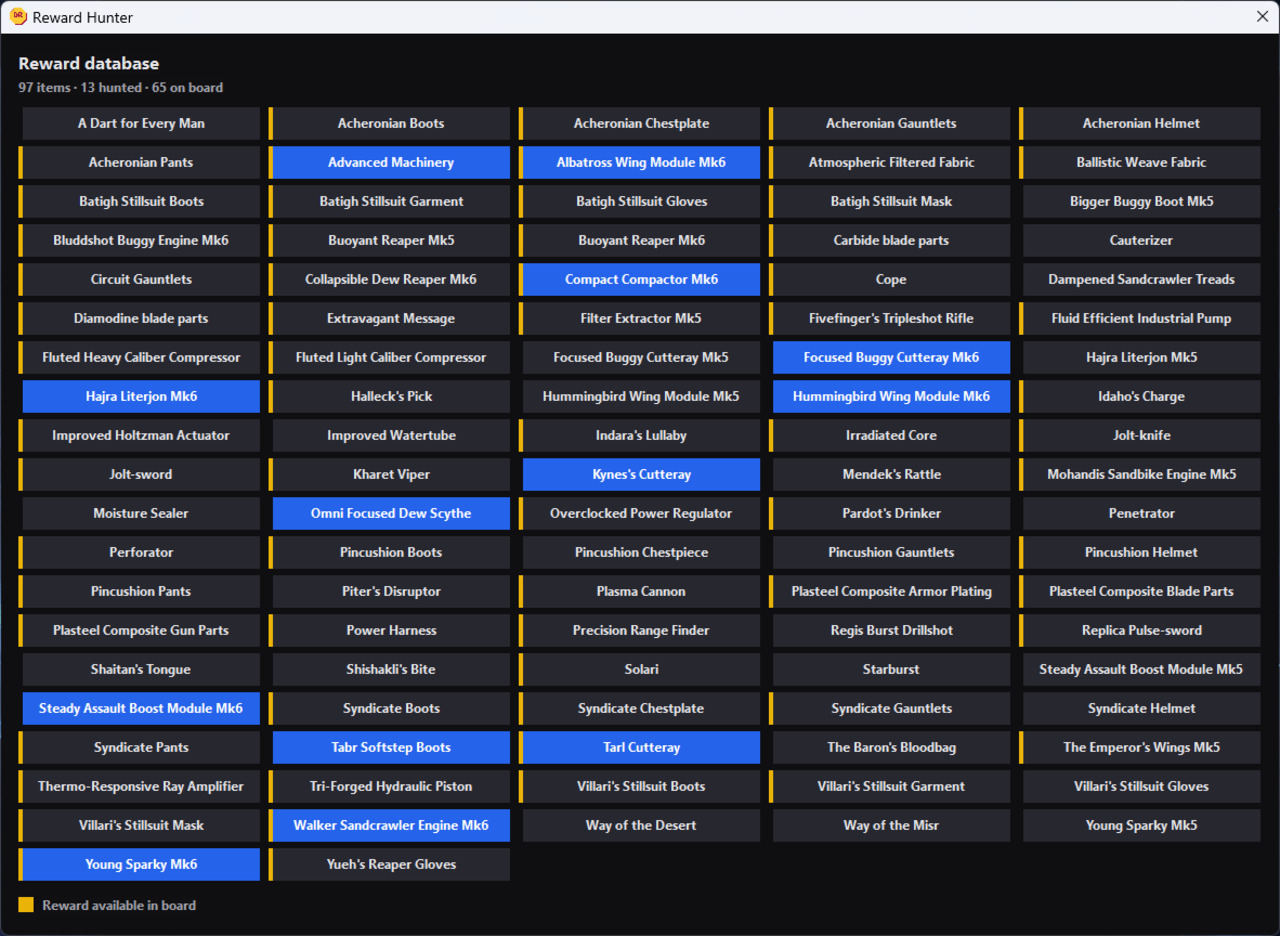
Hunt specific items — diamonds on the grid when they appear.
Reward tracker
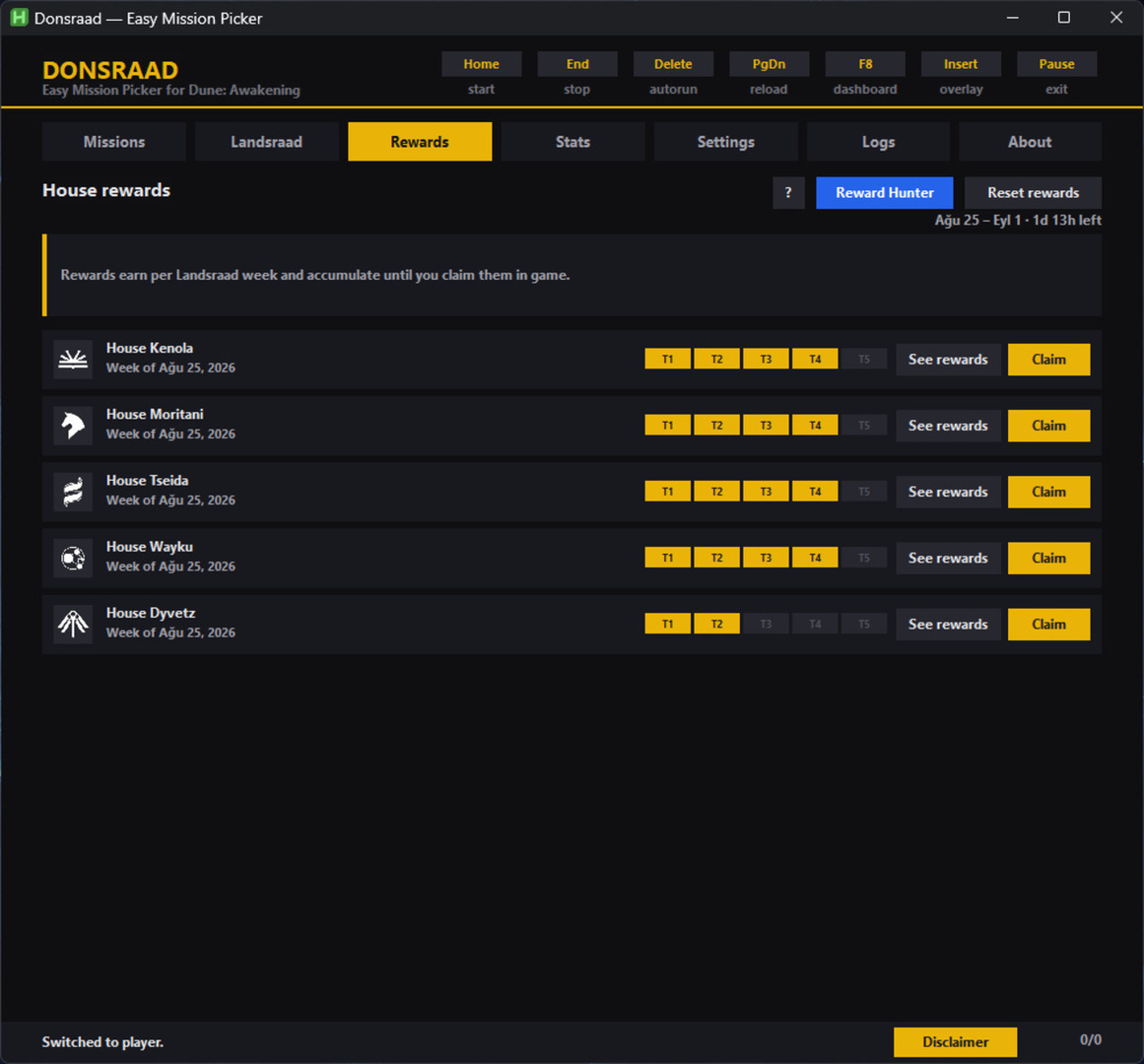
Earned tiers, auto swatch at 14k, Claim after in-game pickup.
Automation
Less menu time, more time in the world.
Guild refresh
Abandons the guild to clear actives and reroll offers until your targets land, then accepts them.
AutoRun
Claims finished missions and starts the next pick loop for you. Optionally stops when mnemonic recollections run out.
Overlay
Run timers, stats, mnemonic counter, and goal or ready notifications.
Your data
Multiple characters, one app folder.
Profiles
Separate picks, goals, hunts, and stats per character.
Statistics
Completes, totals, and availability per mission.
Backup
Copy profile and settings JSON from the app folder to save progress.
How to use
Scan once a week, pick your targets, press Start — Donsraad handles the board rolls between runs.
How board refresh works
Abandoning your guild removes your active missions and the Landsraad board offers new random missions instead. Donsraad uses that refresh to roll until your targeted missions appear, then accepts them.
Warning: you will not earn voting power for the Landsraad term when you abandon the guild.
Warning: Funcom may disable guild abandon in a future game update. If that happens, board refresh will stop working and Donsraad will no longer be able to pick missions for you.
- Step 101
Profile & settings
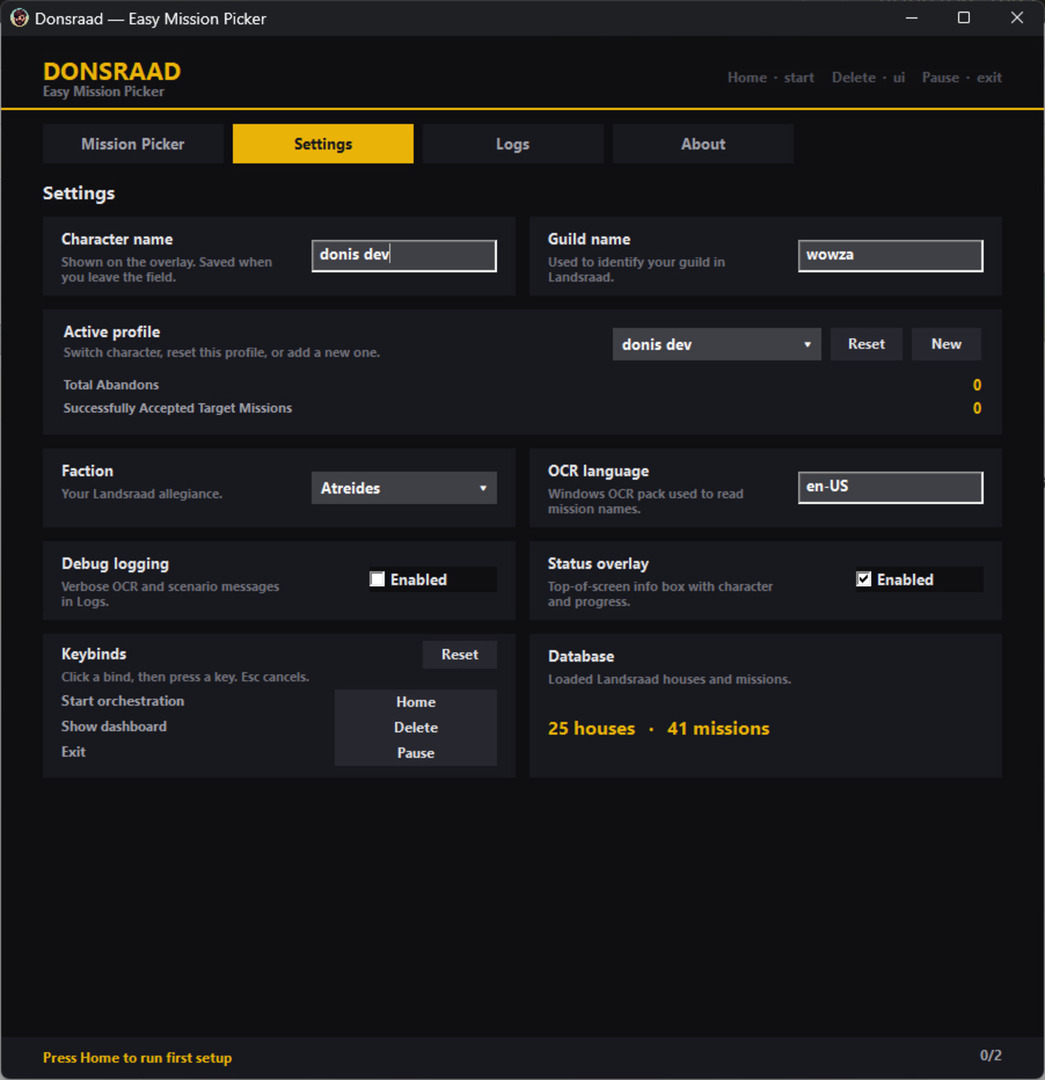
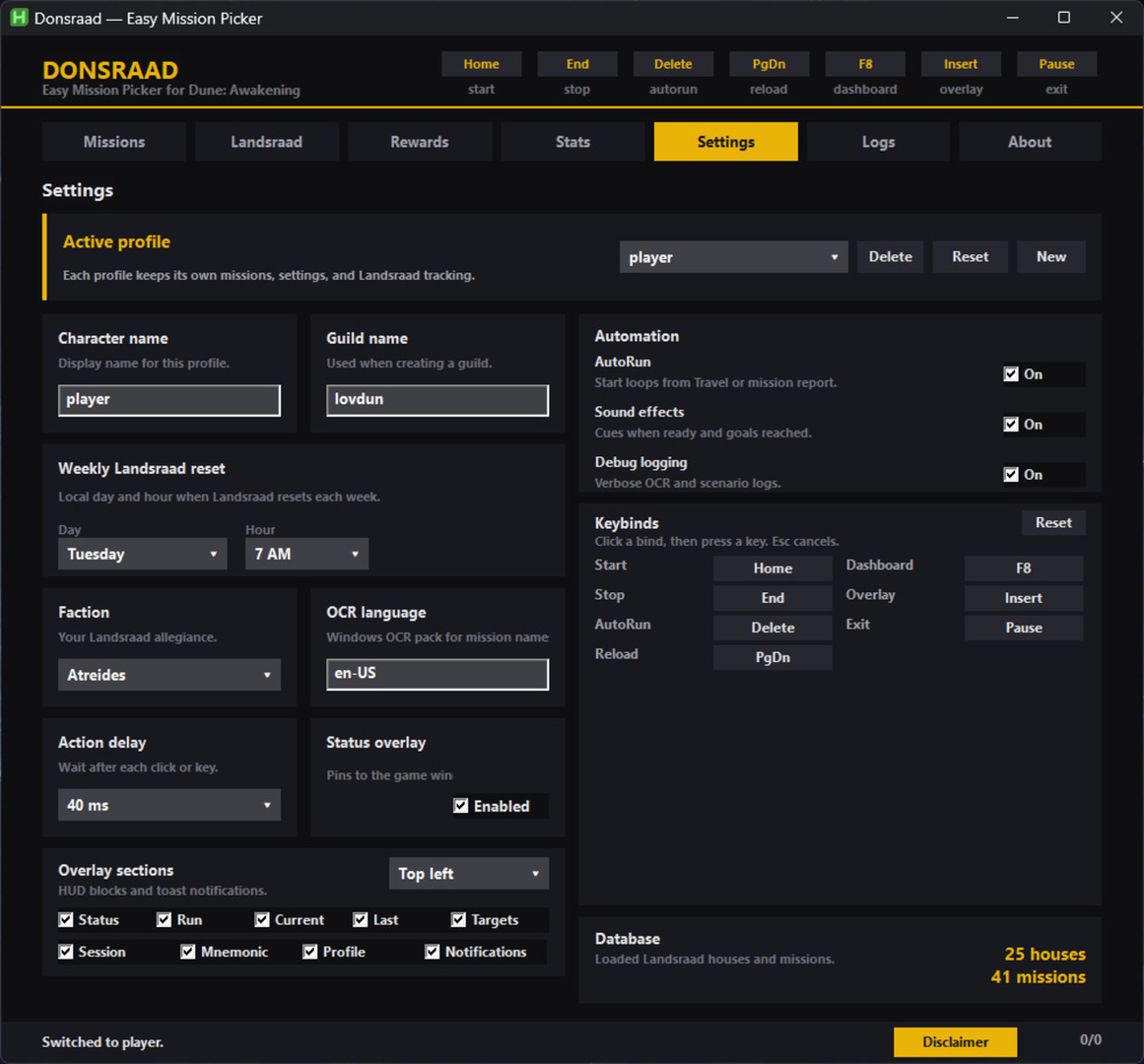
Create a profile for each character. Guild name is required for board refresh — new profiles get a random five-letter name. Enable AutoRun, overlay, and sounds in Settings.
- Step 202
Scan the house grid
On the Landsraad tab, run a house scan whenever new missions unlock during the week. Donsraad reads houses, rewards, and your contribution — green circles for tracked houses, diamonds for hunted rewards. Skip the scan to use the manual grid (pickup only, no tracking).
- Step 303
Goals & Reward Hunter
Set contribution goals on houses you want to support. Open Reward Hunter and flag items you care about — yellow when they are on offer, diamonds on the grid when a house has them.
- Step 404
Pick missions
Click a house on the mission grid. Choose up to three targets — one specialization per cell. Hunted rewards show purple highlights. Drag cells to swap or move picks.
- Step 505
Start the picker
Focus Dune: Awakening and press Start (Home). First Start runs setup, then the loop: claim completed missions, disband to refresh offers, accept your targets. End stops the picker; Delete toggles AutoRun.
- Step 606
Play & AutoRun
Run your missions in game. With AutoRun on, the overlay shows a green indicator — finished actives trigger the next claim-and-pick cycle with a notification and sound when ready. Running low on mnemonic recollections? Turn on auto stop and the picker halts once they are spent.
- Step 707
Rewards & cleanup
Claim house tiers in game, then press Claim on the Rewards tab. Houses at 14,000 contribution auto-mark swatch obtained. Mark hunted items as you collect them.
Keybinds
Rebind in Settings → Keybinds. Click a bind, press a key — Esc cancels.
Hide the dashboard with X — use the tray icon or F8 to bring it back. The overlay pins to the game window and hides when unfocused.